




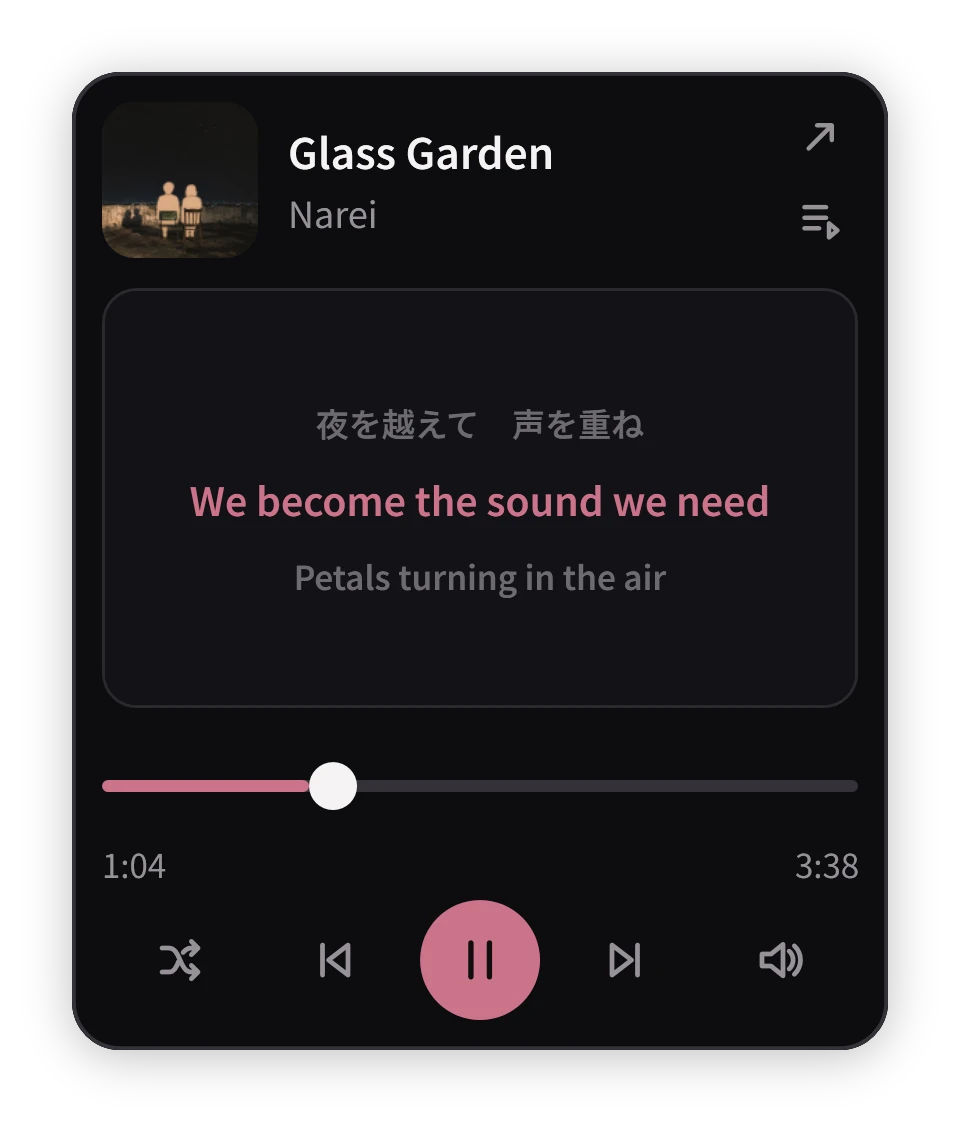
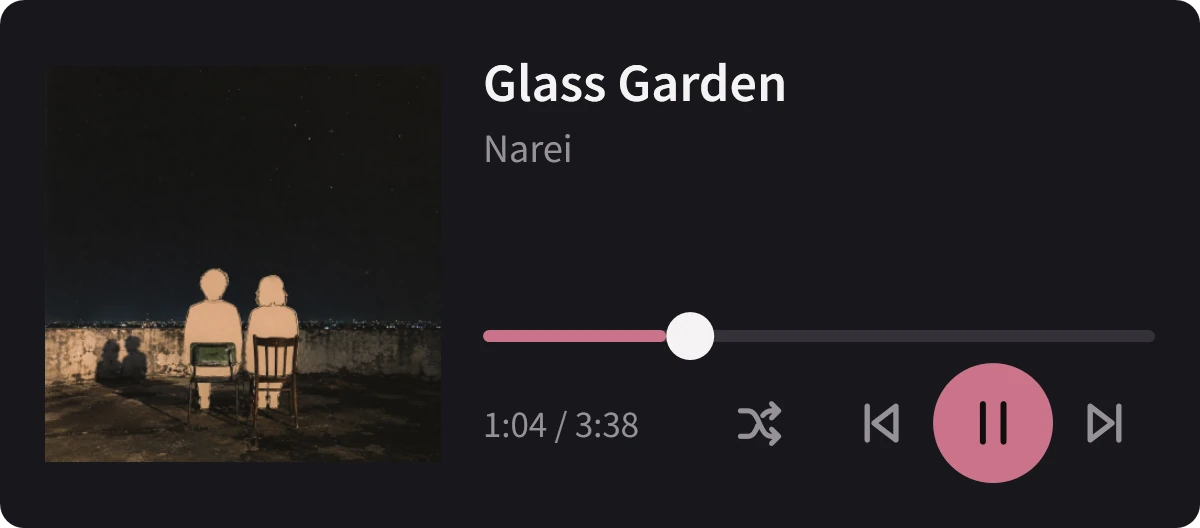

Listening to neirose


Glass Garden
Narei
FLAC · 48 kHz
03:0504:12
A COMPACT MUSIC PLAYER FOR WINDOWS 11
Neirose keeps your music in a small, dedicated space on your desktop, ready whenever you want to listen without taking over your screen.
Windows 11 · x64 · Available now on Microsoft Store
Installer 1.6.4.0 includes .NET and works without Microsoft Store. It is unsigned; Windows may warn or block it. Installation and updates
THE INTERFACE
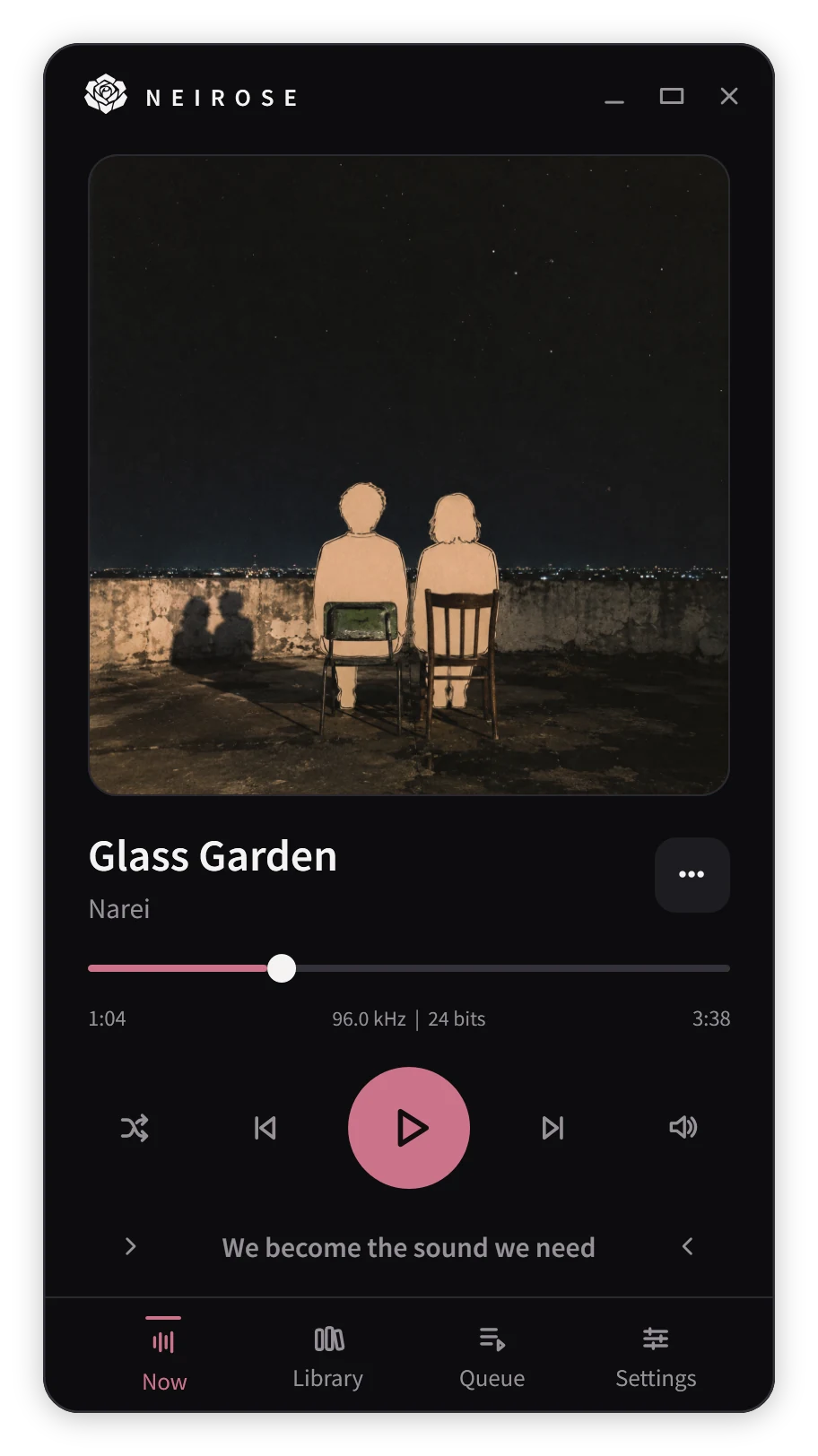
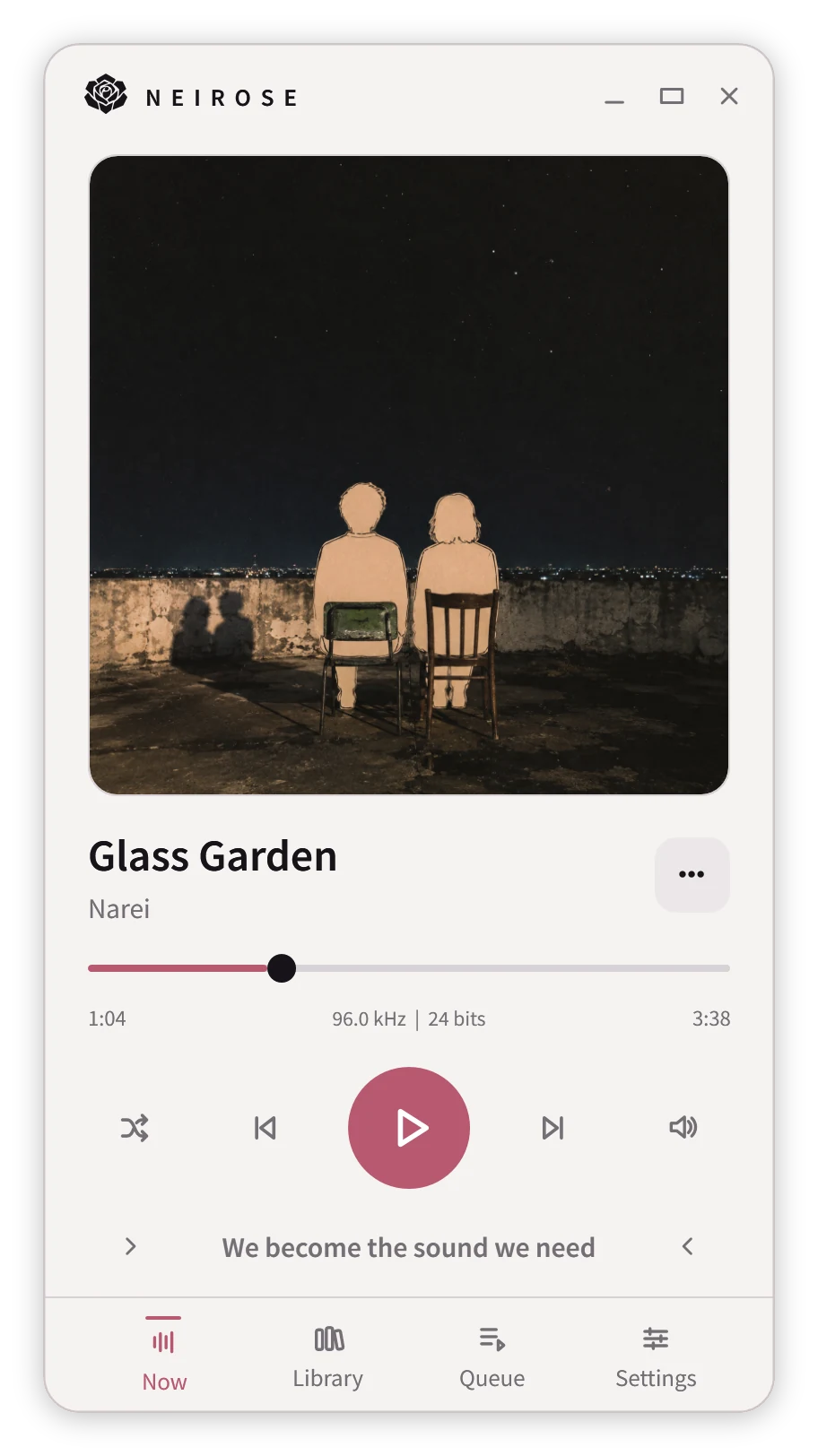
Walk through the player, lyrics, library, and queue, captured from the app itself.
Artwork, a precise seek bar, and the format read from the file itself, with the current lyric line waiting underneath.
Lines follow the music and can be selected to seek. Neirose reads .lrc sidecars and embedded lyrics first, and only looks online if you opt in.
Create, rename, and reorder with a live drag. Drop a music folder on Neirose and it becomes a playlist; consistently tagged albums bring their own title and artwork.
Browse Playlists, Artists, Albums, and Folders as artwork or as rows. Each view remembers its own layout.
Quick picks give you a short route into an artist, with every release in your library gathered underneath.
Play an album straight through or add all of it to the queue. Consecutive tracks in the same format play back to back, without a gap.
See what played, what’s on, and what’s next. Reorder with a drag, add files or whole folders, and pick up where you left off after a restart.
AROUND WINDOWS
The window is optional. Control playback from the taskbar, a mini-player, and flyouts built for Windows 11.
A Windows 11 desktop with Neirose running without its main window.
Neirose keeps playing from the notification area after its window closes, with controls on the taskbar, in a mini-player, and in flyouts that appear when you need them.
Show what’s playing on your profile, with timing and audio format, once you opt in.
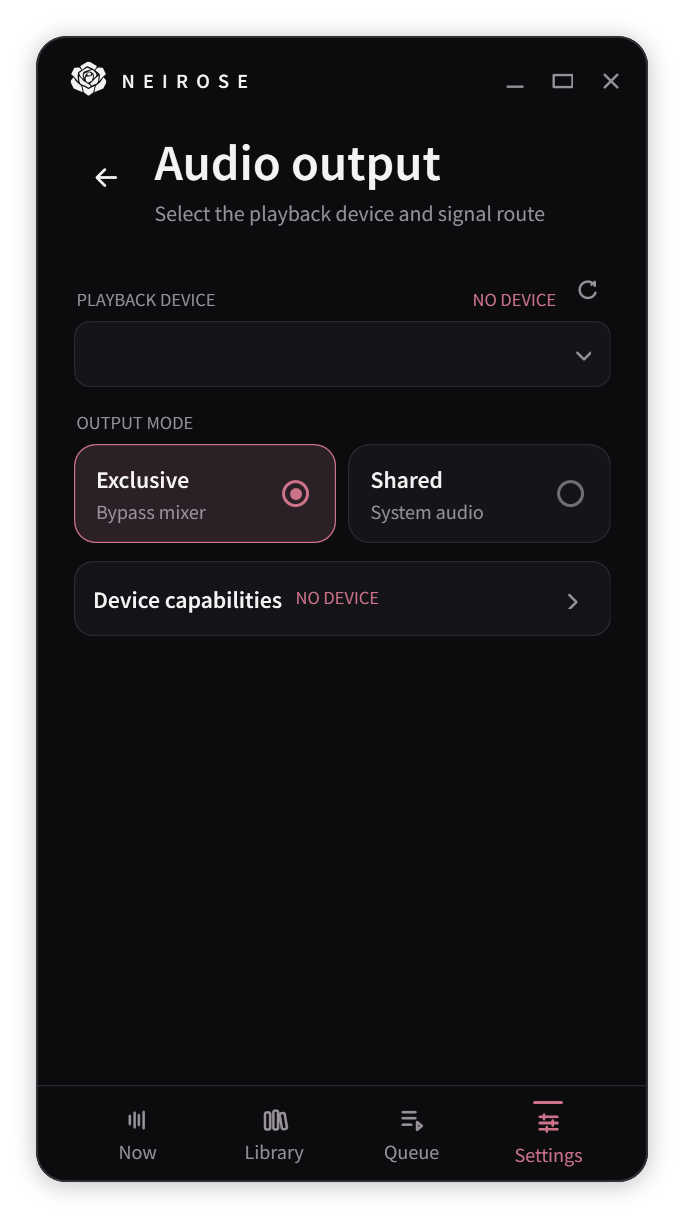
Bypass the Windows mixer. Neirose negotiates the best format your device accepts and shows the stream it actually opened.
Your library stays on your PC. Online lyrics and Discord start off. Standalone update checks run automatically. Read the privacy policy.
READY WHEN YOU ARE
Get Neirose for Windows 11 from Microsoft Store or the standalone installer. Your library stays on your PC. Online lyrics and Discord stay off until you turn them on.